
FROM THE EXCEED IT BLOG
Benefits of a Mobile App for Businesses and Customers
Published · Updated
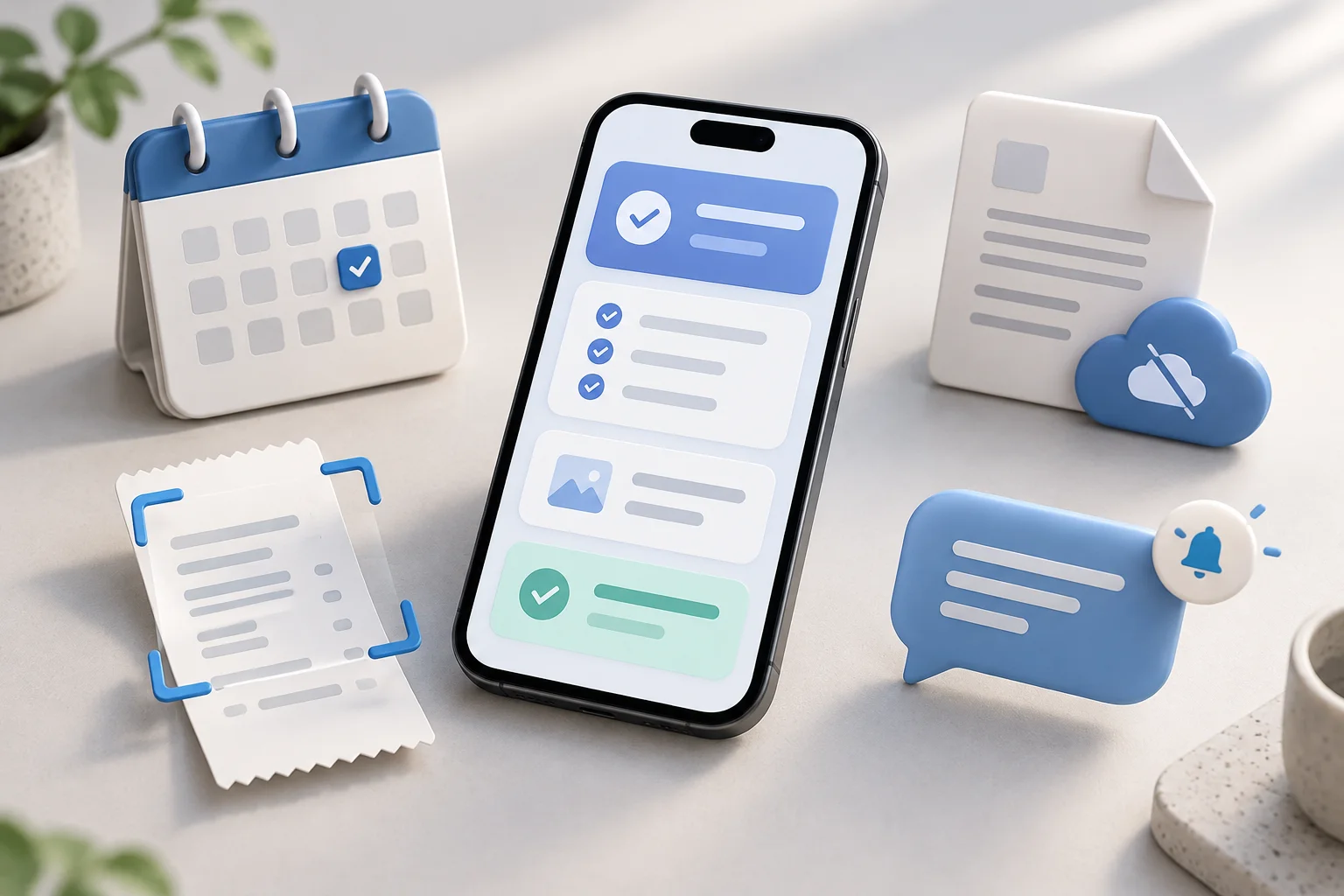
The benefits of a mobile app include easier access to services, faster repeat tasks, useful reminders, personalised experiences and access to selected information offline. For businesses, an app can also simplify bookings and purchases, reduce repeated administration and show where customers need help. These benefits depend on solving a real problem: installing an app should make a task easier than the alternatives people already use.
An app is most useful when someone has a reason to return, such as managing appointments, reading member content, tracking work or sharing expenses. The sections below connect each benefit to the features that enable it, the conditions it needs and ways to assess whether it is working.
What is the main purpose of an app?
The main purpose of an app is to help someone complete a particular task, access a service or use information. “App” is short for “application”: software designed for a use such as communication, booking, learning or tracking work. A mobile app delivers that experience through a phone or tablet.
Apps matter when they solve a problem people encounter repeatedly. They can replace scattered messages with a booking record, paper notes with a job card or manual calculations with a shared expense workflow. The useful question is what becomes easier for the user, rather than whether the business has an app. Our guide to turning an app idea into a product explains how to define that problem before choosing features.
What are the benefits of mobile apps for businesses?
The main benefits of mobile apps for businesses are a more convenient customer journey and a better connection between that journey and the work behind it. Customers can complete tasks themselves, while staff can manage the same records through a supporting system. An app that merely duplicates a website may offer little reason to install it.
- Customer engagement: a direct place to check updates, ask for help and act on reminders.
- Customer loyalty: saved preferences, account history and relevant membership benefits that make returning easier.
- Sales and bookings: fewer repeated steps between choosing a service and confirming an order or appointment.
- Customer service: accessible status information and a clear way to resolve problems.
- Operational efficiency: capture information once and pass it to the people who need it.
- Customer insights: identify incomplete tasks, recurring errors and features people actually use.
These themes also appear in Cloudfusion's overview of eight mobile app benefits. The useful next step is to connect each benefit to a specific workflow, rather than assume an app will automatically increase revenue or reduce costs.
What are the benefits of using mobile apps?
The benefits of using mobile apps include convenient access to services, less repeated data entry, timely updates, personalised information and selected offline functions. For customers, the strongest advantage is completing a familiar task with less effort. These benefits depend on the app's design and available features.
- Convenient access: find booking details, member content or account information in one place.
- Faster repeat tasks: reuse relevant preferences and details instead of entering them again.
- Timely updates: receive useful reminders or check the current status of a request.
- Relevant information: continue previous activity and access content suited to the account.
- Offline access where supported: read downloaded information or capture work until connectivity returns.
Convenience also depends on accessibility. Clear labels, readable text, suitable touch targets and understandable error messages matter as much as the number of features. Give people a way to recover access and reach support when a task fails. An account should serve a purpose, such as protecting private history, rather than stand between a new visitor and public information.
Jotform's article on mobile app advantages discusses customer value through purchasing, tracking and personalisation. In practice, judge that value by whether representative users can finish their task with fewer errors and less help. Our mobile app UI/UX guide explores those design decisions in more detail.
How mobile apps improve customer engagement and loyalty
Mobile apps can improve customer engagement by giving people a useful reason to return and making previous activity easy to continue. Account history, saved items, relevant content and support conversations can keep a service connected across visits. Loyalty grows from a dependable experience; an icon on a home screen does not establish it by itself.
For example, a customer who can find an earlier order and repeat it without recapturing information has a practical incentive to return. A member who can locate the resources included in their subscription can use the service more consistently. A loyalty programme needs clear rules and benefits people understand, alongside a way to resolve missing rewards.
Look at repeat completion of valuable tasks and feedback about the experience. Opening the app frequently is not necessarily a positive signal if people are repeatedly checking an unresolved problem. Wix's guide to creating a mobile app covers recurring engagement and community as potential benefits, while also asking whether a business has a suitable audience for an app.
Benefits of push notifications: timely reminders and updates
Push notifications can bring an important change to someone's attention without requiring them to keep checking the app. Appointment reminders, delivery updates and a request to approve something are useful when they arrive at a relevant time and lead directly to the appropriate screen.
- A reminder can give a customer time to attend or reschedule an appointment.
- A status update can tell someone that an order is ready for collection.
- An approval alert can help a manager find work awaiting a decision.
- A content update can tell a member that a resource they follow is available.
Users can decline or disable notifications, and delivery does not prove that someone read a message. Keep the underlying status accessible inside the app and allow people to choose the categories they want. Apple's notification design guidance is a useful implementation reference. These decisions form part of mobile app development, including permission handling, navigation and testing on real devices.
Benefits of offline mobile apps: access when connectivity is limited
An offline mobile app can let people read saved information or capture work while a connection is unavailable. This can be valuable for field teams, travel and any task where losing signal should not mean starting again. Offline capability needs to be deliberately designed; it is not a property of every installed app.
Define what people can do without a connection. Reading a previously downloaded guide is different from editing a job record that another person may also change. Show when information was last updated, which changes are pending and what happens if synchronisation fails. Payments and other actions that require a server response may still need connectivity.
Android's offline-first architecture guidance describes the relationship between local and network data sources. Our offline-first field app guide applies the planning questions to business workflows. Start with a small set of essential offline tasks, then test interrupted connections and conflicting updates before relying on them in daily work.
Mobile app features that use the camera, location and device
Device features create benefits when they replace a difficult manual step. A camera can capture a receipt or scan a code; location can help find a nearby branch or record where a job took place; biometric authentication can make returning to an account more convenient on supported devices.
The full task includes permissions and failure handling. Let someone correct a scanned value, explain why location is needed and provide an alternative when a permission is refused. A receipt scan should be reviewable before its figures are used. Location accuracy varies, so avoid treating a position as unquestionable evidence.
These are also examples of why platform selection matters. Native, cross-platform and browser applications have different capabilities across devices and operating systems. Our mobile development service explains how we assess those requirements and use React Native and Expo where they fit the product.
What are the 5 advantages of a mobile phone?
Five advantages of a mobile phone are portable communication, access to information, navigation, photo and video capture, and tools for organising daily tasks. These describe the device's wider usefulness; individual apps turn its capabilities into specific services.
- Communication: calls, messages and supported video services help people stay in contact.
- Information access: a browser or app can provide learning resources, account details and updates when connectivity or saved content allows.
- Navigation: supported maps and location services can help people find places and plan journeys.
- Photo and video capture: the camera can record memories, scan a receipt or document completed work.
- Organisation: calendars, reminders and task tools can help people plan and follow up.
For a business app, choose the capabilities that improve the actual task. A field worker may need photo capture; a member reading articles may have no reason to grant location access.
How mobile apps simplify purchases, bookings and subscriptions
Mobile apps can simplify transactions by connecting selection, confirmation and later access in one journey. Saved preferences can reduce repeat entry, booking history can make rescheduling easier and account entitlements can show which subscription content someone can access. A simpler journey can support sales, but it does not guarantee higher conversion.
The supporting workflow matters as much as checkout. Customers need to know whether payment succeeded, what they purchased and how to resolve a failure. Staff need a reliable view of orders, bookings and access rights. Repeated taps or interrupted connections should not create duplicate orders.
Our API integration service covers connections between applications and external systems, including payment and account workflows. The mobile app payment platform guide explores integration choices. Payment requirements vary by platform and product type, so agree the transaction model before designing the screens.
Mobile apps for operational efficiency and less administration
An internal mobile app can improve operational efficiency by capturing information where work happens and making it available to the next person in the process. A technician can record a job outcome, attach a photo and submit it for review without rewriting the same information later. A manager can see what needs attention through an administration dashboard.
Useful workflows might include job cards, inspections, stock checks and approvals. Their value depends on connected records, clear responsibilities and sensible exception handling. A digital form that someone must manually copy into another system can leave the original administrative problem in place.
Andersen's mobile app development benefits article includes operational efficiency alongside customer benefits. For a specific organisation, compare the time and errors in the existing process with a pilot. Our business automation and custom software development pages explain the supporting workflows and systems that can connect mobile capture to daily operations.
Mobile app analytics: understanding what users need
Mobile app analytics can reveal where people abandon a task, which errors recur and whether a useful feature is being adopted. That information can guide improvements to navigation, instructions and support. Start with questions you need to answer rather than collecting every possible interaction.
For a booking app, measure successful bookings, failed attempts and support requests. For a field app, measure completed records, pending synchronisation and corrections. For a content app, examine whether members can find and access the resources included in their membership. Collect only the information needed, explain its purpose and control access to it.
Adjust's mobile-first article discusses using behaviour data to guide improvements and retaining a useful mobile website alongside an app. Analytics should be combined with user feedback: an event count can show where a journey stopped, but a conversation may explain why.
Advantages of mobile apps over websites: when each fits
The advantages of mobile apps over websites are most relevant to frequent tasks, particular device integrations and carefully designed offline workflows. Websites are often easier for discovery and occasional access because people can follow a link without installing anything. Some web apps also support notifications, offline storage and device access; support depends on the browser and operating system.
| Need | When a mobile app may fit | When a website or web app may fit |
|---|---|---|
| Repeat account tasks | People return frequently to a focused workflow | The workflow works well in a browser across devices |
| Public information | Information accompanies an ongoing app service | Search, sharing and immediate access are priorities |
| Camera and scanning | Device integration is central to the task | Supported browser capabilities meet the requirements |
| Offline work | Local data and synchronisation justify the added scope | Limited offline use is sufficient and supported |
| Updates and maintenance | A team can support devices and app releases | Central browser delivery suits the audience |
An app and a website can share backend services and serve different parts of the same journey. For a fuller comparison, see website vs web app vs mobile app. Browser-based platforms are also covered on our SaaS development page.
What makes an app work?
An app works through software code running on a device or in a browser. Its interface accepts actions, its logic applies rules and its storage keeps information. Many apps also communicate with a backend through APIs to manage shared accounts, bookings, content or transactions. A simple calculator can work locally without a remote server.
For example, tapping “book” can send a request to a server, check availability, store a booking and return a confirmation. Each step needs to handle failure: a slow connection should not leave the customer unsure whether the booking exists. Android's application fundamentals explain how the operating system runs application components and controls access to device resources.
Developers create the code, often working with designers, testers and the people who operate the service. Low-code tools can supply some of these building blocks, but someone still needs to define the rules and check the result. Our API integration service covers system connections, while the integration readiness checklist helps identify the data and access a connection requires.
What are the four types of apps?
A common four-label overview is native apps, web apps, hybrid apps and progressive web apps (PWAs). This is a useful planning shorthand, rather than four mutually exclusive categories: a PWA is a type of web app, and shared-code frameworks can produce native interfaces.
| App type | What it means | What to consider |
|---|---|---|
| Native app | An installed app built around a mobile platform's capabilities and interfaces | Device integration, platform conventions and release support |
| Web app | Software used through a browser | Immediate link access, browser support and responsive design |
| Hybrid app | Web content packaged inside an installed application, with bridges to device features | The quality of the web interface and required native integrations |
| Progressive web app | A web app enhanced with capabilities such as installation and offline behaviour where supported | Capabilities vary by browser, operating system and implementation |
React Native is not simply a website wrapped in an app; it uses native components. See the official React Native component explanation and Google's introduction to PWAs for the distinction. Our native versus cross-platform app comparison explores how development approaches affect a mobile project.
Examples of mobile apps built by Exceed IT
Our mobile projects show how these capabilities can come together around a specific task. The examples below describe work Exceed IT built; they do not imply measured improvements in sales, retention or productivity.
Answers at Apaiva combines a mobile app, website and management dashboard for a content platform aimed at parents and teens. Exceed IT built those applications, the subscription model, payment integration and a custom visual content editor. It illustrates how access to content depends on both the member experience and the tools used to manage it. Read the Apaiva project case study.
Fair Share Bill Splitter connects receipt scanning, item assignment and shared expense workflows. Exceed IT developed the mobile product, supporting custom system and administration dashboard. It illustrates a camera-assisted task where people need to review information and share a result. Read the Fair Share case study.
What can a custom mobile app do?
A custom mobile app can combine customer tasks, employee workflows and administration around the needs of a particular product. Exceed IT's mobile development scope can include iOS and Android interfaces, authentication, APIs, notifications, data storage and supporting administration. Each feature should be agreed against a user journey and tested under realistic conditions.
Possible applications include booking and scheduling, membership content, ordering, field job capture and approval workflows. These are potential scopes, not a claim that every feature has been delivered in every project. Integrations, offline behaviour and device requirements can materially change the work involved.
Our mobile app development page outlines discovery, design, implementation, device testing and release support. A small first release can be shaped through MVP development. The software examples catalogue offers further illustrative uses, while the case studies above document completed projects.
What are the advantages and disadvantages of mobile apps?
Mobile apps can offer convenient access, faster repeat tasks, useful notifications, device integration and supported offline work. Their disadvantages include installation friction, ongoing costs, distracting alerts, device compatibility limits and data or synchronisation responsibilities. The five advantages and five disadvantages below show why an app's usefulness depends on its implementation and audience.
| Five advantages | Five disadvantages |
|---|---|
| Convenient access to a recurring service | Installation, storage use and another account can discourage adoption |
| Faster repeat tasks through saved information | Development, backend services and maintenance continue to cost money |
| Relevant reminders and status updates | Excessive notifications can interrupt users and lead them to disable alerts |
| Camera, scanning and other device capabilities | Device compatibility, permissions and operating system changes need support |
| Selected offline reading or capture | Data protection, stale information and synchronisation need deliberate handling |
Some people dislike apps because they are asked to install software for an occasional task, create unnecessary accounts or accept permissions they do not understand. Businesses may prefer an app for repeat interactions and direct updates, but that preference does not establish value for the customer. Let the task determine whether an app is necessary and provide an appropriate alternative where possible.
A responsive website may be sufficient for enquiries, public information or occasional transactions. Before building an app, identify a recurring problem, test the proposed journey with likely users and decide what evidence would justify expanding it. The mobile app budget guide explains how scope and ongoing responsibilities affect planning.
Can I create my own app?
Yes. You can create your own app by learning to develop it, using a no-code or low-code builder, or working with a development team. The suitable route depends on what the app must do, the integrations it needs and your ability to support it after release. Start with one audience and one complete task rather than a long feature list.
At Exceed IT, we help turn an app idea into an agreed scope, design the user journey and build the mobile app and supporting systems. Our work includes Apaiva and Fair Share, described above. Explore our mobile app development service or MVP development service if you want a team to help create a focused first release.
Before approaching a builder or developer, prepare a software development brief. Describe the user, problem, essential workflow, required connections and the result you want to test. That gives you a clearer basis for comparing approaches and quotes.
Can ChatGPT build me an app?
ChatGPT can help you develop an app idea, explore interfaces and work through code; OpenAI's Codex can implement and iterate on a working prototype. That can help you test a concept, but generated software still needs assessment against the requirements of a production mobile app, including account access, data handling, device behaviour and release testing.
OpenAI's guide to turning user stories into UI mocks describes moving from a ChatGPT-assisted concept to a Codex implementation. Our AI app builders versus developers guide compares development routes and the responsibilities to consider before relying on a generated product.
How much will it cost to start an app?
The cost of starting an app depends on its scope, development approach and ongoing services. A clickable prototype, a simple working app and a platform with payments, offline synchronisation and several user roles are different deliverables. An estimate should state which platforms, backend features, administration tools, tests and release tasks are included.
Budget for discovery and design, implementation, testing and launch, then recurring hosting, third-party services, support and maintenance. Our South African mobile app budget guide compares published price ranges and includes a worked budget. Use it as a planning reference, then follow our guide to comparing software development quotes to compare proposals for the same scope.
How do apps make money, including free apps?
Apps can make money through paid access, subscriptions, paid features, advertising or fees on transactions. An app that is free to download can still earn revenue from optional purchases or a paid service. Revenue is not the same as profit: development, acquisition, platform and operating costs must also be covered.
- Paid access: customers pay to download or unlock the product.
- Subscriptions: customers pay for continuing access to content, software or a service.
- Freemium features: a useful free tier is supported by optional paid features.
- Advertising: advertisers pay for exposure to an audience; the model needs sufficient demand and a tolerable user experience.
- Transactions: a business earns from purchases, bookings or marketplace activity enabled by the app.
No app category guarantees easy money or the highest profit. Choose a model people understand and have a reason to pay for. Our app monetisation guide explains entitlements and support, and our payments and subscriptions insight covers the connected workflow behind billing.
Does deleting an app remove all its data?
Deleting an app does not necessarily remove all its data. Information held in an online account, server, backup or shared service may remain after the installed app is removed. Local removal behaviour also depends on the operating system and whether someone deletes or offloads the app.
Check the app's account and privacy settings for deletion options rather than assuming uninstalling closes the account. Apple's app removal guide explains removal on iPhone. For a business commissioning an app, plan account closure, retention and deletion across the mobile app and supporting systems. Our mobile app security planning article explores related questions about access and data responsibilities.
What makes an app successful, and how do you measure its benefits?
An app succeeds when it solves a meaningful problem for its intended users, provides a dependable experience and can be supported sustainably. Clear onboarding, reliable task completion and useful reasons to return matter more than a large feature count. Business success also requires a viable way to reach the audience and cover ongoing costs.
Measure the benefits of a mobile app against the task it is intended to improve. Establish a starting point, choose a few meaningful measures and review a pilot with representative users. Downloads alone do not show that a service is useful or that a business process has improved. Our software pilot guide and user acceptance testing guide help turn these questions into practical checks.
- Define the problem, such as repeated booking calls or duplicate job capture.
- Record the current task completion rate, time, errors and support needs.
- Test the smallest complete mobile workflow, including staff handling and failures.
- Compare equivalent tasks and collect feedback about remaining obstacles.
- Improve or expand only when the evidence supports the next step.
Further reading on mobile app benefits
The following articles offer additional perspectives on mobile app benefits. They are industry explainers with commercial contexts, rather than guarantees of results for any particular business.