
FROM THE EXCEED IT BLOG
Cross-Platform App Testing: Build a Useful iOS and Android Test Matrix
Published
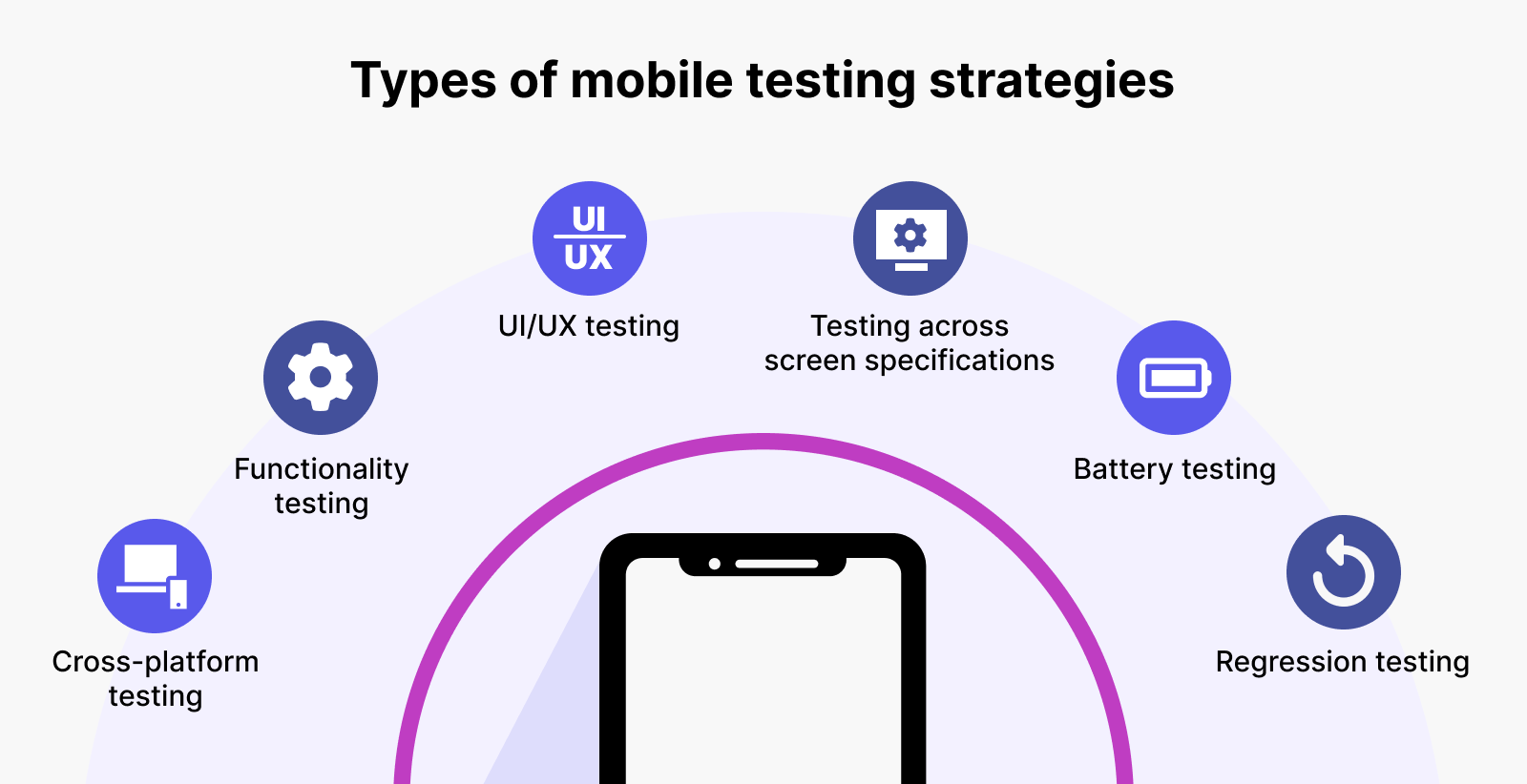
An app with shared code still has more than one runtime environment. Operating-system behaviour, device hardware and native dependencies can change what users experience. A test matrix helps the team decide which combinations need checking and makes the limits of the release evidence visible.
Start with journeys and risk
List critical tasks such as registration, booking, payment and account recovery. Add the consequences of each failing. Prioritise checks that protect data correctness and core operations before spending most of the review on decorative differences.
Identify which parts are shared and which depend on the platform. A common calculation may be covered by a focused automated test. Camera permissions or a notification opening the correct screen need device-level validation. These checks complement each other.
Choose representative environments
Agree supported operating-system versions, screen sizes and device capabilities using the intended audience. For a managed workforce, test the actual business hardware. For a public app, select representative combinations and document the coverage rather than claiming every possible device was tested.
Include at least the environments most likely to reveal the product’s specific risks: smaller screens for complex forms, constrained devices for large lists, or real accessories for scanner integration. Simulators are useful, but they do not replace all physical-device checks.
Test interruptions deliberately
Run journeys with a slow connection, a failed request and an expired session. Deny a permission, leave the app during an upload and return after the underlying record has changed. Verify the stored result as well as the screen message.
- Retrying a submitted order should not create an unintended duplicate.
- Cancelling a permission request should leave a usable recovery route.
- Signing out should remove access to account-specific information.
- A notification should open the appropriate record for the signed-in user.
For offline products, test synchronisation conflicts using more than one device. The offline field app guide describes the business rules those tests need.
Keep test information controlled
Use representative test records without casually copying sensitive production data. Record account roles, starting conditions and expected outcomes. Reset the environment when necessary so one test does not silently depend on another person’s previous actions.
Automate repeatable checks where they provide useful feedback, and leave room for exploratory review. A passing script does not establish that labels are understandable or that a screen reader presents the correct journey.
Report evidence that supports a release decision
Record the build, environment, checks completed and unresolved issues. Distinguish a passed test from a test that could not run because an external dependency was unavailable. Retest fixes on the affected platform and review shared behaviour when the change could reach both.
Use the user acceptance planning guide to connect technical checks with business approval. After launch, use failures and support requests to improve the next test matrix rather than treating testing as a one-time gate.