
FROM THE EXCEED IT BLOG
Best Digital Payment Platforms for Mobile Apps
Published
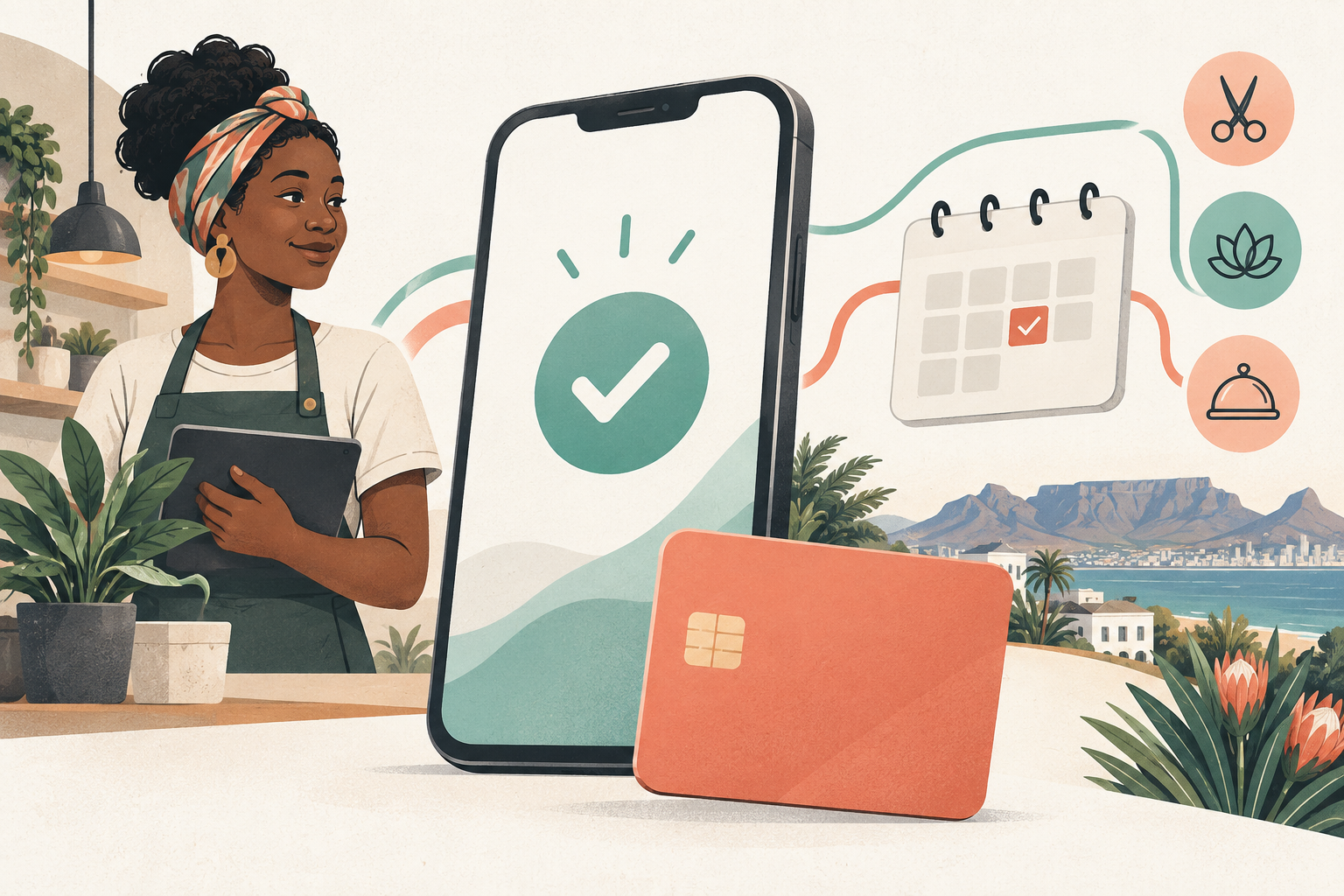
Choosing the best digital payment platforms for mobile apps starts with a simple question: what must happen to the money? A takeaway order, a monthly membership and a ride booked through an app need different payment features.
This guide is for South African business owners planning an app. It compares published capabilities, rather than claiming we have run a live performance test of every provider. Research and pricing were checked on 24 September 2026.
Quick answer: Start with Peach Payments, Paystack or Payfast when saved cards and changing charges matter. Consider Yoco for a business with a physical counter and an app. Include Ozow when bank payments matter. Netcash is worth investigating for broader collections and business payments. Payflex mainly adds an instalment option for an eligible purchase.
These are use-case shortlists, not a ranking. The best digital payment platforms for mobile apps are the ones that support your app's complete payment journey.
First check what your app is selling
Ordering food or paying a cleaner is different from buying digital features inside an app. Apple and Google generally require their own billing systems for in-app digital purchases, subject to specific exceptions and regional programmes. Physical goods and services use a different set of rules. Apple Pay is a wallet; it is not the same product as Apple's In-App Purchase system.
Confirm your product category and target countries before choosing an external gateway for a subscription app. See Apple's payment rules and Google Play's Payments policy.
Five terms that make the choice easier
- API: a way for your app's server to ask another system to do something, such as request a payment. A REST API uses familiar web requests; not every provider uses this style for every product.
- SDK: a provider's ready-made development kit. It can save coding time, but its supported payment methods still need checking.
- Webhook: an automatic message from the provider to your server, such as “this payment succeeded”.
- Tokenisation: replacing card details with a secure reference called a token. Your app stores the reference instead of the actual card number.
- Merchant-initiated transaction: a business starts an agreed charge while the customer is absent. It requires the correct agreement and payment setup; merely saving a card is not enough.
Think of a saved card as a securely stored payment method. Think of recurring billing as the rule that says when and how much to charge it. They work together, but they are different jobs.
Match the platform to four app examples
A monthly subscription app
For an eligible external-billing service charging R499 each month, a provider-managed subscription can do the scheduling. You still need to handle cancellation, failed payments and whether the customer should retain access.
If the product is mostly recurring software access, read our guide to payment platforms for SaaS, which covers these decisions in more detail.
An app with changing monthly bills
A customer owes R350 in month one, R720 in month two and R490 in month three. A fixed R499 subscription does not describe this agreement.
Your app can calculate the bill and send an approved charge request against a saved payment method. Keep the customer's agreement, show how the amount was calculated and respect any limits. Peach's card-on-file flow, Paystack's reusable authorisations and Payfast's tokenisation model provide documented routes for this kind of design. Their exact rules differ; the provider sections below explain the evidence.
An on-demand service app
A customer saves a card, books a plumber and agrees to pay for the completed job. The final bill may differ each time.
Decide whether to charge when booking, after the service, or use an authorised hold followed by a final charge. A hold reserves funds; it is not the same as receiving money. Ask about hold expiry, allowed changes and the supported card types before promising this flow.
A marketplace app
The customer pays R1,000 for a service. Your platform earns R150 and the service provider is owed R850 before payment costs.
That needs an approved split or payout arrangement. A normal checkout button will not automatically pay the provider. Read our multi-vendor payment guide before designing vendor balances.
Mobile features to compare
“Yes” means the function is documented, subject to onboarding and method availability. “Contact provider” means the reviewed evidence does not establish the required app flow. It does not mean the feature can never be offered.
| Provider | App integration | Saved method and variable charges | Apple Pay / Google Pay | Refunds and notifications | Paying service providers |
|---|---|---|---|---|---|
| Peach | Yes: API, mobile SDK and embedded guides | Yes: tokenisation and correctly flagged subsequent charges | Yes / Yes; integration-dependent | Yes: refund API and webhooks | Yes: separate Payouts product; split arrangement needs confirmation |
| Paystack | Yes: API and mobile SDKs | Yes: reusable authorisation, with amount supplied by your server | Yes / Limited: Google Pay docs specify web merchants | Yes: refund API and webhooks | Yes: splits and transfers; approval applies |
| Payfast | Yes: web checkout and custom integration | Yes: tokenisation; fixed subscriptions also available | Yes / Yes on supported checkout | Yes: refunds and ITN notifications | Limited: main account plus one receiving merchant per split |
| PayGate | Depends on product: PayWeb, PayHost and other services | Yes: PayVault; confirm the unattended charging setup | Depends on product | Depends on product | Limited: eligible card payouts; confirm acquirer support |
| Yoco | Yes: server-created hosted checkout | Contact provider for an online saved-card or recurring flow | Yes / Yes on supported online checkout | Yes: refunds and webhooks | Contact provider; published payout API reads merchant payouts |
| Ozow | Yes: API with hosted or embedded options | Limited: approved Capitec Pay recurring agreements | Yes / Yes through Cards | Yes: refunds and status notifications | Yes: separately approved Payouts API |
| Netcash | Yes: gateway integration; product-specific APIs | Depends on product: subscriptions or debit orders | Contact provider | Depends on product | Depends on product: creditor payments |
| Payflex | Yes: order API and hosted or embedded checkout | Contact provider for app subscriptions; BNPL is a purchase instalment plan | Contact provider for the selected integration | Yes: order callbacks and full/partial refunds | Contact provider; not established as a vendor payout system |
Sources and qualifications appear in each provider review below. Wallet support in a browser does not prove that the same wallet works in every native SDK or embedded browser.
The providers through an app developer's lens
Peach Payments: flexible payment flows
Peach documents token creation and later card-on-file payments with customer-initiated and merchant-initiated flags. That makes it a candidate for an app that calculates each bill itself. Its tokenisation documentation also covers supported wallets. Confirm which integration your account will use. Sources: tokenisation and card-on-file.
For the screen experience, compare its React Native embedded checkout guide with its mobile SDK. Ask the developer to demonstrate the return from bank authentication on a real phone.
Paystack: saved authorisations and mobile tooling

Paystack documents an initial authenticated card payment followed by a reusable authorisation. Your server can request a later amount only where that authorisation is marked reusable. This supports a custom billing design, not an unlimited right to debit a customer. See recurring charges.
Its developer tools include mobile integrations. Apple Pay and Google Pay are documented, but the Google Pay developer page currently specifies web merchants. Test browser checkout separately from a native payment screen.
Payfast and PayGate: choose the actual product

Payfast distinguishes scheduled subscriptions from tokenisation, where the app supplies future payment instructions. Its developer documentation explicitly describes dates and amounts that may be unknown initially. This is useful for an eligible service app with changing charges. See Payfast recurring billing.

PayGate offers separate services including PayVault for card tokens and PaySubs for hosted subscriptions. Ask for a quote and integration plan naming those products. Do not assume a Payfast feature or price applies to PayGate. See PayVault and PaySubs.
Yoco: a restaurant counter and an ordering app

A restaurant already using Yoco may value seeing online and in-person sales within the same business ecosystem. Yoco describes combined reporting and reconciliation on its gateway page.
For an ordering app, its Checkout API guide uses a hosted payment page and server notifications. Its terminal Payment SDK is a different integration. Do not interpret terminal support, or a “webhook subscription”, as proof of customer subscription billing. Confirm any saved-card requirement separately. Online payment methods include both Apple Pay and Google Pay.
Ozow: bank payments plus a wider checkout offering

Ozow now lists cards, Apple Pay, Google Pay, Capitec Pay, PayShap Request and other methods. Describing it only as an EFT provider would miss its current range. See its product and pricing page.
Its recurring option is narrower: Capitec Pay Variable Recurring Payments requires use-case approval and a Capitec customer. Card recurring support is not yet available in that documented flow. Treat it as a specific option, not a recurring solution for every bank.
Netcash: useful when payments extend into business administration

Netcash combines a payment gateway with services such as debit-order collections and creditor payments. That may suit an app connected to an existing accounts process. Choose the collection product first: a customer approving a checkout differs from agreeing to a debit order. See gateway services and debit-order documentation.
Payflex: an extra way to pay for a purchase

BNPL, or buy now, pay later, lets an approved customer pay for a purchase in instalments. Payflex's integration guide offers hosted and embedded checkout. Its order API includes callbacks and refunds. This does not establish general-purpose, usage-based app billing or vendor payouts.
What do app payments cost?
Pricing last checked: 24 September 2026. These are public entry-level references, not quotes for your app. Higher volumes may qualify for negotiated rates. “Settlement” means your sales money being paid to your business; a vendor transfer is a different service.
| Provider and basis | Local card | Bank payment | International card | Monthly fee | Settlement / outward payment |
|---|---|---|---|---|---|
| Peach Growth | 2.95% + R1.50 | 1.5% + R1.50 | 3.5% + R1.50 | No base account fee; tokenisation R200 | Standard settlement free; Payouts quote |
| Paystack SA | 2.9% + R1 | 2% | 3.1% + R1 | None | Settlement free; bank transfer R3 |
| Payfast aggregation | 3.2% + R2 | Confirm conflicting EFT wording | Separate rate not listed | None | Standard payout R8.70 |
| PayGate gateway | Contact provider | Contact provider | Contact provider | Contact provider | Contact provider |
| Yoco Core, lower volume | 2.95% + R2 | Contact provider | 3.5% + R2 | Core R0 | Standard free; faster options vary |
| Ozow entry tier | 2.85%, minimum R1 | 1.5%, minimum R1 | 3.5%, minimum R1 | Contact provider | Payouts R3; settlement fee not specified |
| Netcash gateway | Contact provider | Contact provider | Contact provider | Contact provider | Contact provider |
| Payflex direct | BNPL: contact provider | Not a like-for-like bank rate | Contact provider | Contact provider | Contact provider |
Peach, Paystack collection fees, Payfast and Yoco figures above exclude VAT. Ozow's reviewed pricing page does not clearly label VAT; confirm it, along with the VAT treatment of Paystack's R3 transfer. Do not assume an unspecified fee is zero.
Peach lists recurring/non-3D-Secure local cards at 3.5% + R1.50, rather than its ordinary checkout rate. Yoco's detailed plan table includes R2 per online transaction while some marketing pages show percentage-only pricing: confirm the plan before budgeting. Payfast's EFT headline says “2% (min R2)” but its R500 example charges R12; obtain written clarification rather than treating that as a verified R10 charge.
What a percentage plus a fixed fee means
At Paystack's published local-card rate, these are the calculated collection costs. VAT is applied to the fee, not added again to the whole customer payment.
| Customer pays | Fee before VAT | Fee including 15% VAT |
|---|---|---|
| R100 | R3.90 | R4.49 |
| R1,000 | R30.00 | R34.50 |
| R10,000 | R291.00 | R334.65 |
These examples exclude refunds, disputes, vendor transfers and development costs. A small percentage saving can disappear if the integration needs substantially more maintenance.
Make checkout reliable on a real phone
When comparing the best digital payment platforms for mobile apps, ask for a working demonstration, not just a list of logos.
- Create an unpaid booking with a unique reference on your server.
- Ask the provider to start payment for the server-calculated amount.
- Let the customer pay through the approved checkout.
- Verify the provider's notification and match the amount, currency and booking.
- Mark the booking paid once, even if the notification arrives twice.
- Show the confirmed result when the customer returns to the app.
A return screen alone is not proof of payment. Yoco explicitly makes this distinction in its accept-payment guide. Also test a lost connection, a cancelled bank approval, a duplicate tap, an expired card and a partial refund.
PCI DSS is the card industry's security standard. Provider-hosted card entry can reduce the card data your systems handle, but does not remove all security responsibilities. Keep secret keys on the server, protect saved tokens, and confirm the applicable PCI requirements for your chosen integration. Peach explains the difference in its server-to-server token guide.
If your app mainly sells products, our ecommerce payment comparison covers payment choice and checkout friction in more detail.
Frequently asked questions
Can I charge a saved card a different amount each month?
Yes, where the provider supports the required charge type and the customer has agreed to it. Your software must calculate the bill, keep the agreement and handle a decline. A saved card alone is not permission to charge any amount.
Does an SDK guarantee a fully native checkout?
No. Some integrations open a browser or bank app during authentication. Test the complete journey, including returning to the original app. Confirm which wallets the specific SDK supports.
How do I shortlist the best digital payment platforms for mobile apps?
Write down the first payment, the next payment, a failed payment, a refund and any vendor payout. Eliminate providers that cannot demonstrate those flows for your approved South African account, then compare the total cost.
Choose for the whole app journey
The best digital payment platforms for mobile apps let your business charge in the right way, confirm the result reliably and deal with what happens afterwards. A cheap checkout is not enough if your app needs variable bills or service-provider payouts.
Exceed IT develops mobile apps and custom software. Discuss your mobile app with Exceed IT to plan checkout, saved methods and payment status handling before development begins.
Sources and review notes
Provider documentation and pricing are linked beside the relevant claims. Additional references: Paystack refunds, Peach refunds, Peach payouts, Ozow payout onboarding, Yoco payout API scope and PayGate card payouts. Availability remains subject to the provider's contract, supported payment method and merchant approval. Provider logos identify the services discussed; they do not imply endorsement.